


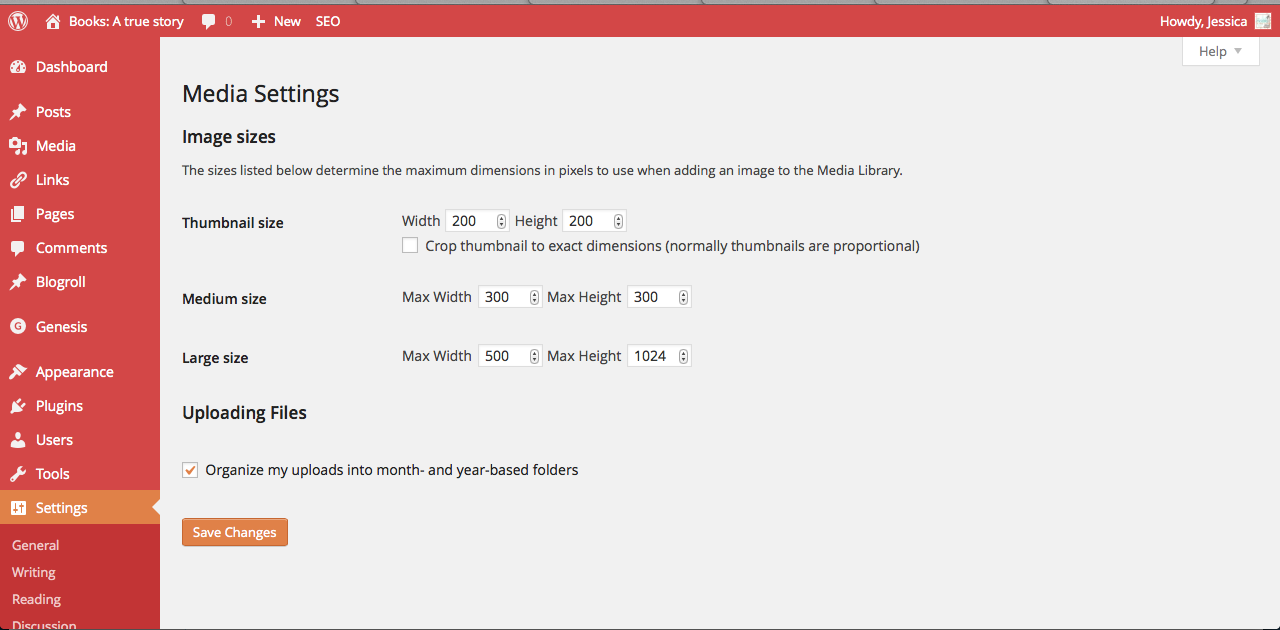
I loved WordPress from the very start. But I would be lying if I didn’t say all the settings were overwhelming because I didn’t know what they did or even what they were good for. You can look up HOW to change anything but I was at a loss for WHY I would want/need to change things with a lot of settings. Like, what are thumbnails of the pictures I upload used for? And do I want to “Crop thumbnail to exact dimensions (normally thumbnails are proportional)”? Maybe it’s important. I don’t know.
My settings for my media
After blogging for a few years, here’s what I’ve found to be helpful with these settings as a book blogger and what I use them for. These settings are under Settings>Media.
Thumbnails
For the longest time I had thumbnails set to “Crop thumbnail to exact dimensions (normally thumbnails are proportional).” But then I discovered that for my book haul posts I could make a gallery of all the books I got and galleries use thumbnails. Having all my thumbnails cropped meant that they were all exactly square and my book covers were getting cut off like this:

But I didn’t want that! I wanted the full book cover. It took me longer than I want to admit to figure out that if I uncheck the box to crop the thumbnails to exact dimensions then all the thumbnails will automatically be proportional and make pretty galleries like this:
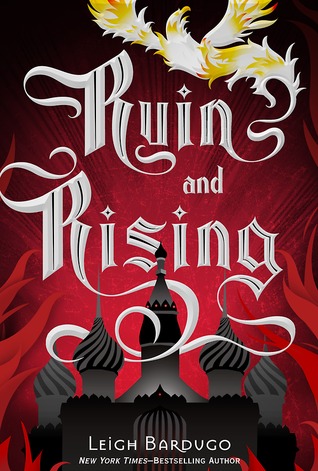
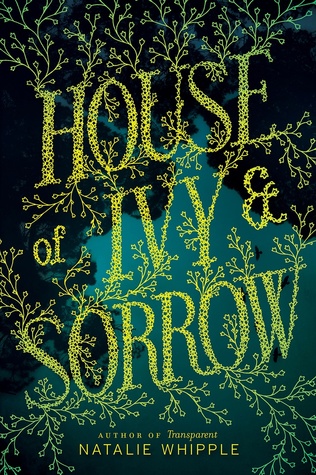
-
- Best Page-Turner
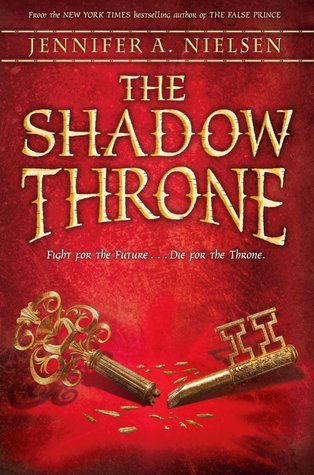
The only problem is that once you upload a photo it uses the current settings so ALL the photos I had uploaded before were square and not proportional. There’s a plugin called Regenerate Thumbnails that will update them according to your new settings. So if you’re like me and had your thumbnails set to random unwanted things and want to change it for old uploads, you can with a couple clicks.
Thumbnails of the media I upload are also used in my related posts widget at the bottom of all my posts. And sometimes I want them square. So I figured out that you can go into individual media uploads and edit just the thumbnail. It’s easy, too.
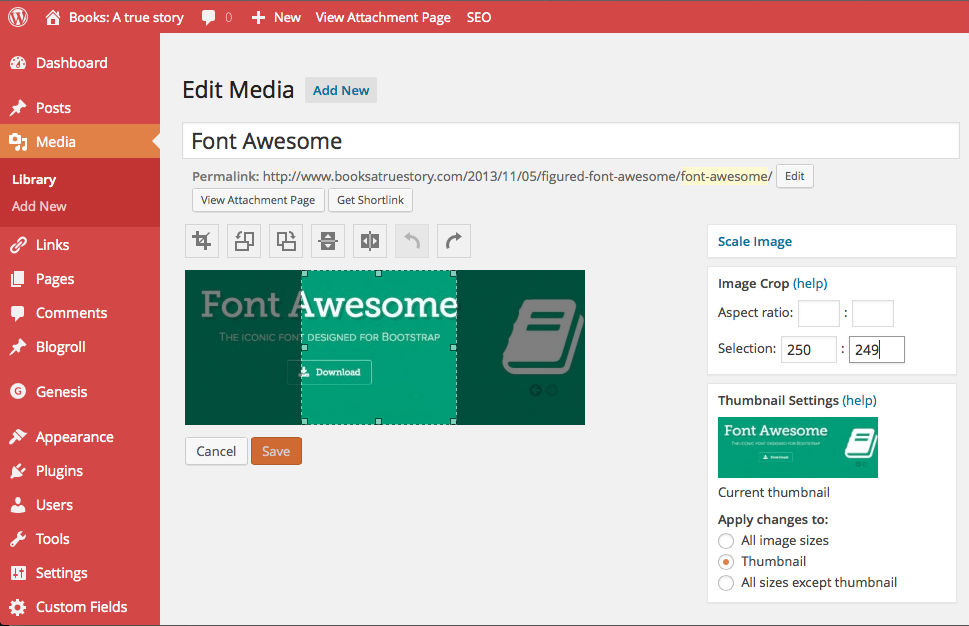
You can pick the exact dimensions with the selection area under “Image Crop” and under “Apply changes to” select thumbnail. Then crop and save!
Size Dimensions
I also didn’t know what the size dimensions were good for. Under Medium Size there are two boxes where you can pick the maximum width and height. Here’s what I discovered – these settings are a huge time saver if you are importing a lot of photos that you want a certain size all the time. For example, the book covers for all my book reviews look best when they are about 300 px wide. So I set my medium size to have 300 px be the maximum and all I have to do is select that size when I import a book cover for my review and it will look good every time.
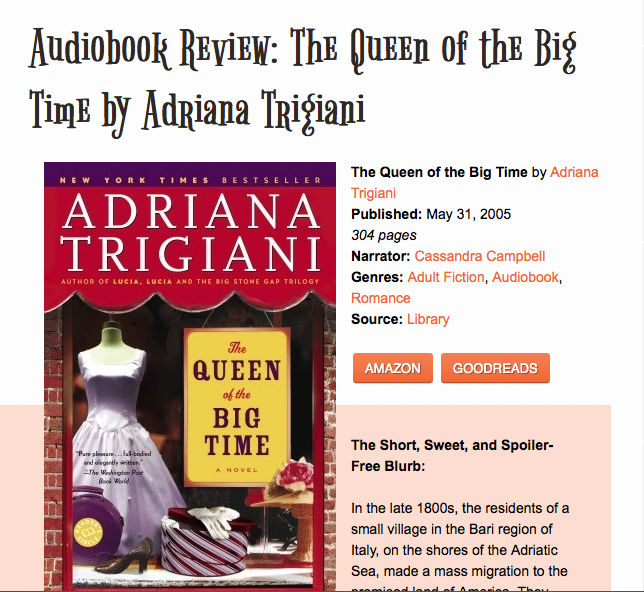
Pretty book cover!
For the large size, I set it to 500 px maximum because I found that when I’m writing my Google Diary posts I want them to be about that big every time so they take up most of the width on my blog. Before I had that setting, I was constantly resizing them in the html code by hand every time with every stupid picture and it was always to 500 px. Now it takes one click to import a photo that is this size every time:
If the photo you upload is larger than 500 px there will also be a Full Size option when you import media if you ever need it.
You don’t have to set the thumbnail, medium, or large size to what I have set. The cool thing is you can pick whatever dimensions work best for your blog.
I hope this mini-tutorial helped you figure out ways to make the media settings work for you. They are pretty awesome and can save you a lot of time. If you have any questions, leave a comment and I’ll reply :)
 My name is Jessica. I love to read Young Adult and classic literature. I’ve been a book blogger for six years and I haven’t gotten tired of it yet. I’m a very curious reader. Writing about all the questions and thoughts I had while reading a book is the best hobby ever.
You are a life saver! I’ve always had the hardest time trying to get pictures the exact size that I need them to be. I had no clue there was even a media setting page on WordPress. This post definitely helped me! Thanks!
Yay! I’m so glad this helped!
Oh my gosh, thank you! I recently moved over to self hosted and I haven’t been able to figure out the whole thumbnail thing. This is the best! Thank you, thank you, thank you!!!!!
I was worried no one would read this. I’m so glad it helped!! :)
This is helpful, thanks.
This post is so helpful! I love WordPress too but the one thing that had driven me crazy is that I can’t make nice small pictures of a bunch of covers. I had no idea you could change the thumbnail to not be square! Thanks!
We moved to WordPress at the beginning of the year, so posts like this are very helpful! I’ll definitely be changing the thumbnail setting and the media settings as well. Thanks!